

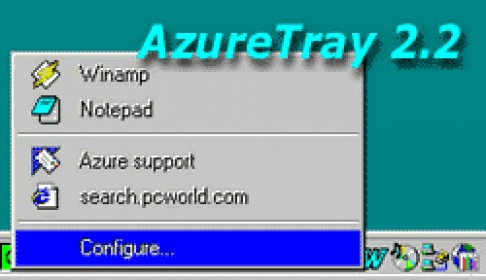
Ever wish your favorite application or web link could be started from the system tray? AzureTray makes it happen. This pleasant utility lets you add tray-based icons that can launch your favorite programs, documents, and other files. Adding a new icon is very similar to the way you create a new shortcut in Windows; use either a wizard or a drag-and-drop method. You can drag and drop not only lnk, pif or url, but any file or object such as trash, control panel item, DOC file, EXE file etc. A shortcut will be created automatically. To create a web page link just drag its URL directly from your web browser. You can include links to any object: text document, folder, file, Internet page, email and so on. AzureTray lets you create Internet bookmarks and email address book with quick access. Options include selecting one of four overlays for each shortcut. You can also create a pop-up menu for each icon.



Comments